
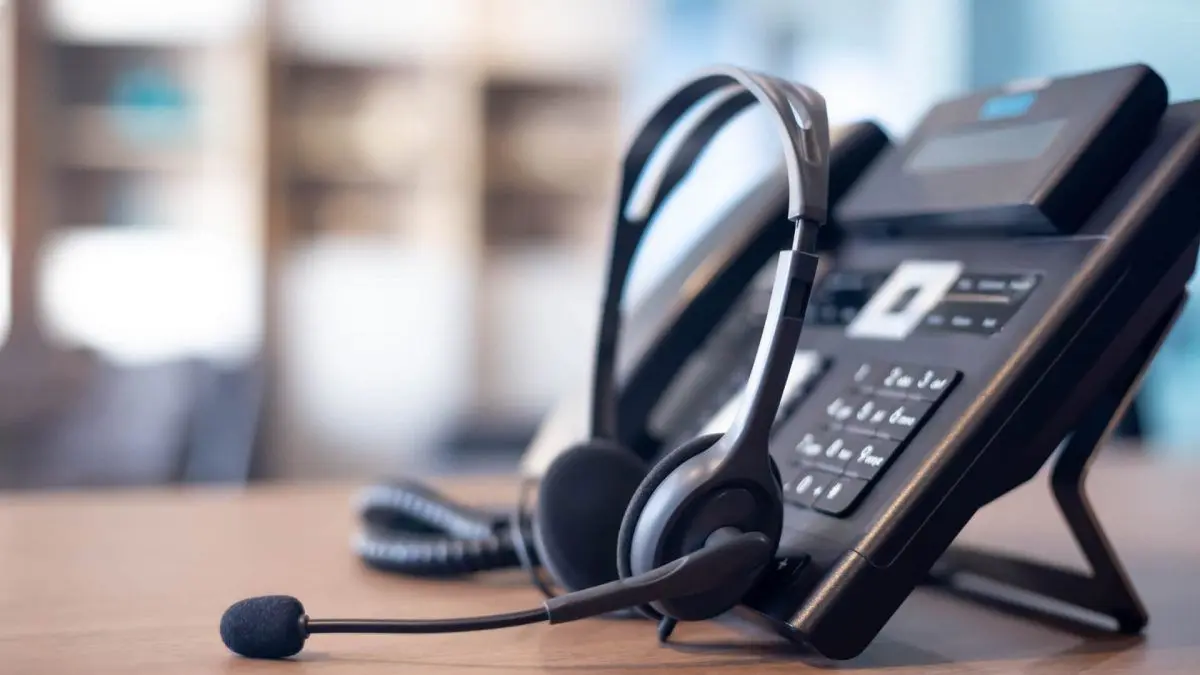
A phone-system switch should make it easier for customers to reach the right person. Before choosing new handsets or scheduling a number transfer, write down how calls move through your business today—and what you want to improve.
Start with your numbers and call flow
List every number you need to keep, including direct lines, shared numbers and numbers used by other locations. Gather a recent carrier bill and identify who can authorize the transfer. Then map your main greeting, departments, call queues, voicemail and after-hours routing.
Include the people who answer calls every day. A receptionist may need to transfer a caller while checking whether someone is available. A field employee may need the same business number on a mobile app. Those details matter more than a long feature list.
Check the network during a busy day
A fast speed test alone does not establish voice quality. Have your IT team or provider assess delay, jitter and packet loss while the office is handling its normal workload. Cisco’s VoIP network assessment guidance explains why those measurements matter.
Confirm the cabling, switch capacity and power arrangements for desk phones. If staff will use Wi-Fi or softphones, test those connections in the places they actually work. Discuss how voice traffic will be handled when backups, video meetings and other applications compete for bandwidth.
Account for equipment beyond desk phones
Inventory fax machines, paging systems, door entry systems and any equipment that uses a phone line. Ask the responsible provider to verify compatibility and the migration plan for each device. Do not assume that moving the main office number also takes care of these connections.
Agree on what happens during an internet or power outage. Call forwarding, backup connectivity and battery power may each have a role, but they need to be configured and tested together. Have the phone provider review emergency-calling locations for office and remote users.
Pilot the everyday tasks
Try the proposed setup with a small group before the full changeover. Test incoming and outgoing calls, transfers, hold, voicemail, headsets and calls between locations. Ask users to work through a normal day and report specific problems.
Prepare for transfer day
- Confirm the number-transfer date with both providers and avoid cancelling existing service prematurely.
- Share a short user guide and a clear support contact.
- Check main numbers, direct lines and after-hours routing after the transfer.
- Keep a record of the final call flow, account ownership and outstanding issues.
Planning a change? Explore Logic LC’s business phone systems and bring your current numbers, locations and call-handling needs to the conversation.