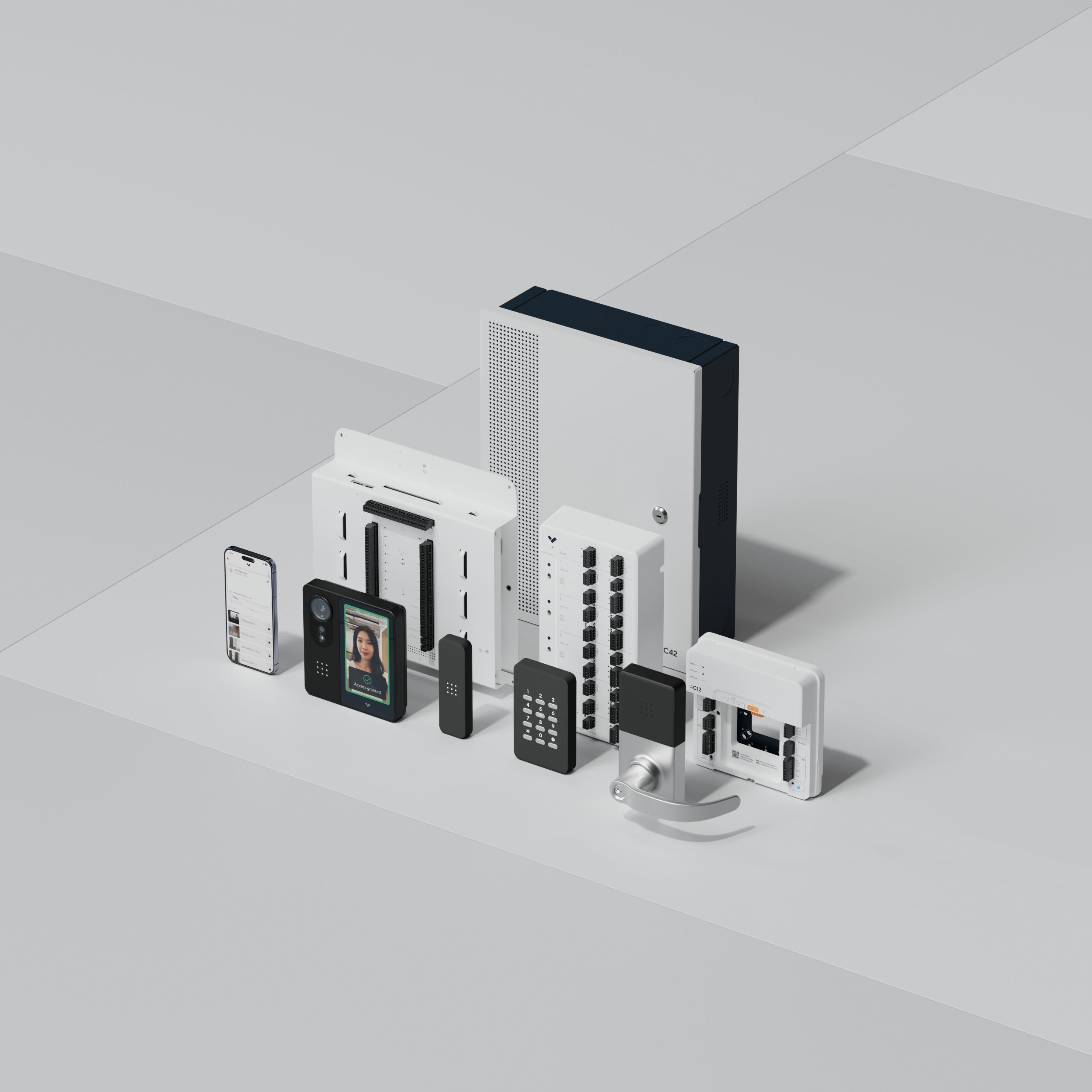
Give every person their own way in: a key card, a mobile credential on their phone or a PIN that belongs to them alone. When someone leaves, you switch off their access and nobody else’s changes. And the door keeps a record of whose credential opened it, and when.
Until that’s in place, change the shared code now, and change it again every time someone who knows it leaves.
Why a shared code stops protecting the door
A door code starts out private. Then it’s given to a temp, the cleaning crew and a contractor who needed to get in for a morning. The person who quit in the spring still knows it. Nobody did anything wrong. That’s what happens to a code everyone uses.
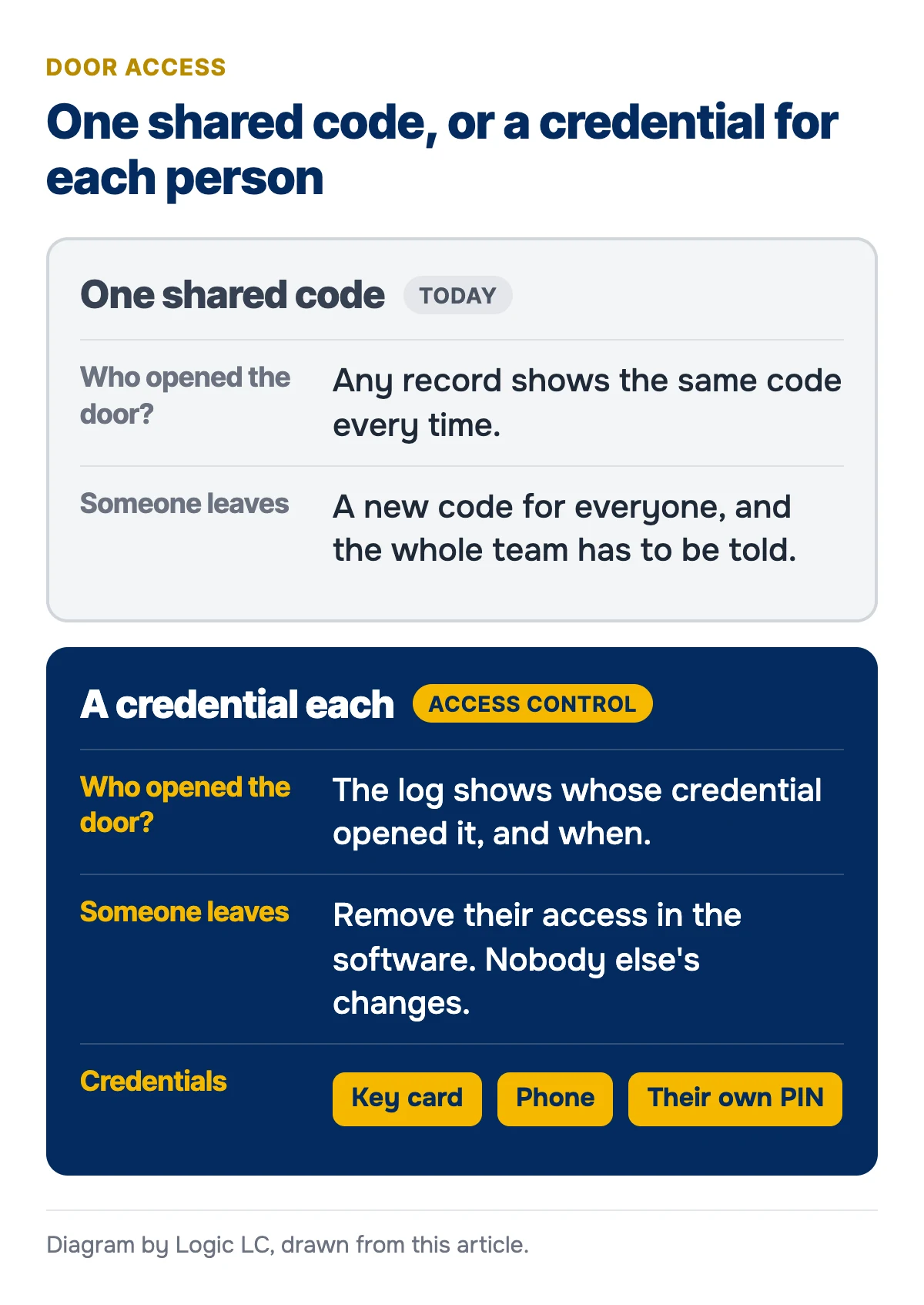
Problems follow from there. The first is that you can’t tell who came in. If everyone types the same code, any record the keypad keeps shows the same code every time. When something goes missing after hours, the door can’t help you.
The second shows up when someone leaves. Security guidance treats a code like a key. NIST’s physical security controls say to change combinations when the people who know them are transferred or terminated, and the City of Philadelphia’s crime prevention tips for businesses say to re-key locks whenever an employee is dismissed. With a shared code, that means a new code for everyone, every time someone goes, and telling the whole team. It’s a chore, so it gets put off, and the old code keeps working for the people who left.
What to do this week
You don’t need new equipment for these:
- Change the code today. Pick something nobody could guess, not your street number or the year you opened.
- Give it only to the people who use that door.
- Keep a list of who has it, so you know who to tell when it changes.
- Change it again whenever someone on that list leaves, and when a contractor’s job is done.
- If it’s written anywhere near the door, take it down.
That keeps the code private for now. It doesn’t fix the real problems: you still can’t see who opened the door, and you still have to change it for everyone.
What replaces a shared code
Access control gives each person a credential of their own. The systems listed on our access control page support key cards, PINs and mobile credentials on a phone, and you can mix them.
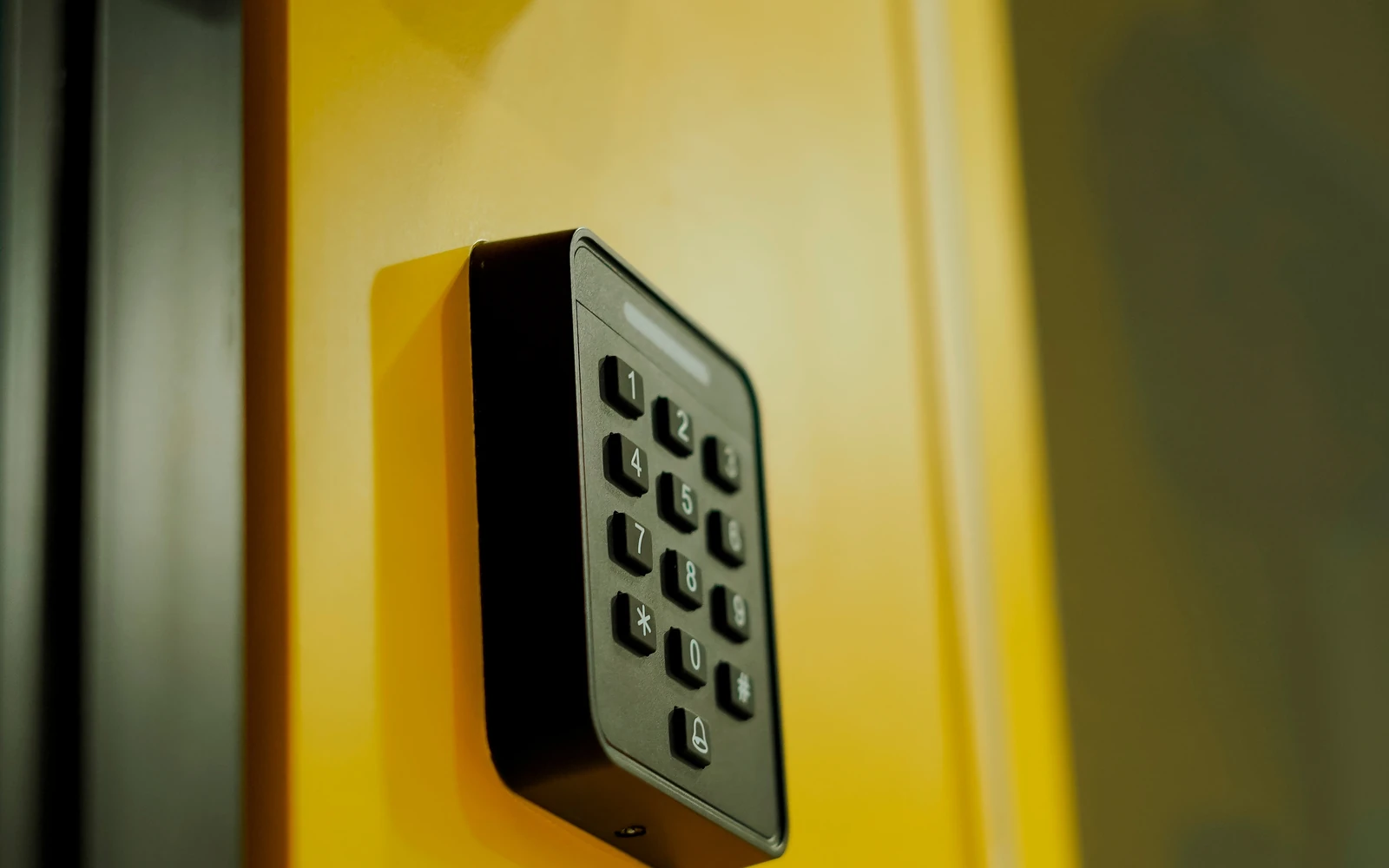
The PIN can stay. It just stops being shared. We’re a Verkada Platinum Partner, and on Verkada access control each user’s entry code must be unique within the organization and is typed into a keypad reader. Staff who like typing a code can keep doing it, with a code that’s theirs.
Removing one person is done in the software. In Verkada’s system, suspending a user takes away their permission to badge into doors and to log in to the Pass app, and deleting removes them from your organization. Everyone else’s card, phone and PIN keep working. Nobody gets a new code and no locks get changed.
You can see who came in. Each door keeps its access events, and you can filter them by person and by time range. “Whose credential opened that door on Saturday night?” finally has an answer.
You can also decide when each credential works. Schedules determine when users can access a door, so the cleaning crew’s credentials can work during their hours and not in the middle of the night. Holidays are handled with exceptions instead of a new schedule.
Can you keep your door hardware?
Often, yes. Verkada access controllers are designed to work with existing door hardware and readers, so the hardware and readers you have can often stay in place. A small office or store doesn’t need a big system either. You can start with a single door, such as the one with the shared code on it, and add doors later.
Want to list your doors first? Our cloud access control planning checklist walks through it door by door.
How we’d set it up
We start with a site assessment: we document your doors, the hardware on them and the cable paths, with photos and measurements. You get a written proposal that sets out the labor, materials, equipment, testing and documentation. Our technicians install the readers and controllers. Then we set up your users, their credentials and schedules, and show your team how to add and remove people from the dashboard. Evening, overnight and weekend installation may be available if you’d rather the door wasn’t out of action during business hours.
We install commercial access control systems for offices, warehouses, schools, healthcare facilities and stores across Philadelphia and its suburbs, from Delaware County, King of Prussia and the Main Line to Bucks County, Cherry Hill and Wilmington.
Call (215) 240-4490 or send us a message to book a site assessment, and tell us about the door everyone shares a code for.